How do I correct words in an Instagram transcript?
- Replay the full sentence. Check the intended word against the audio and its meaning.
- Edit that occurrence in your downloaded TXT or SRT. For SRT, keep the cue numbers, time ranges and blank lines.
- Save a new copy and reopen it. Confirm the corrected word, then preview the subtitle with your video.
Our two-sentence correction test
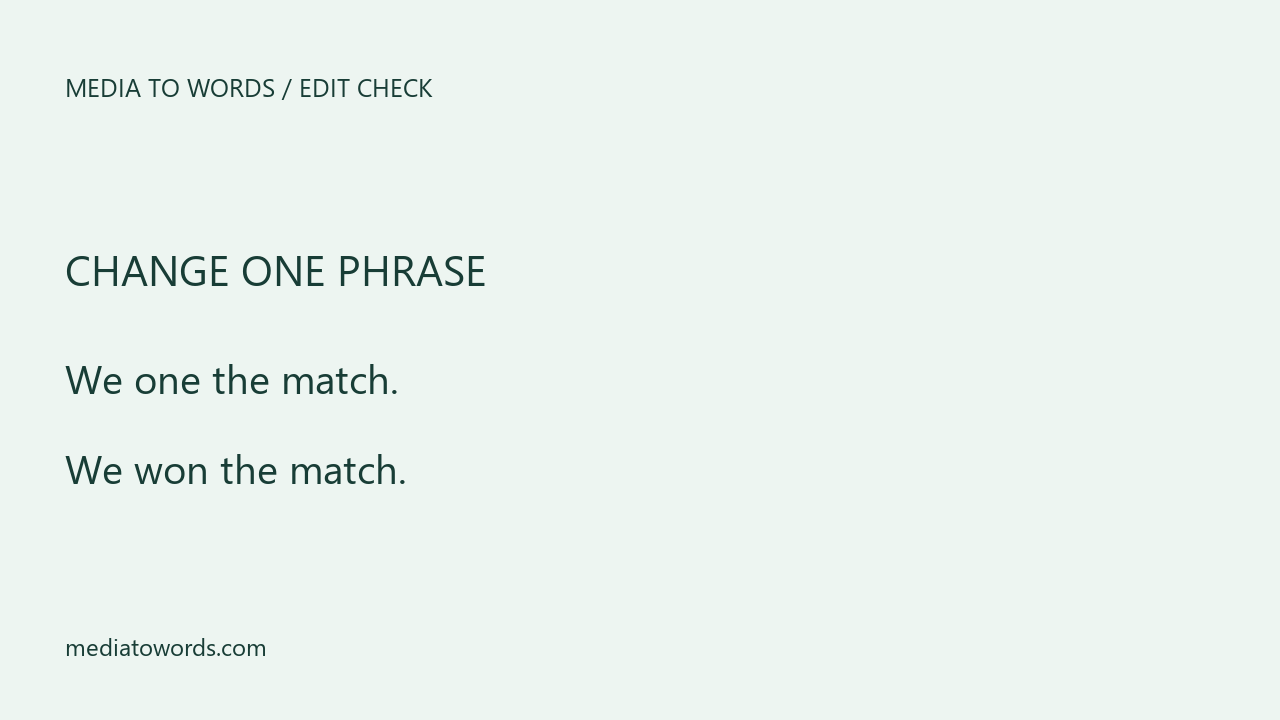
We built a two-cue SRT file to isolate what happens when you change text. Cue 1 said “We one the match.” and ran from 0 to 2 seconds. Cue 2 said “There is one more round.” and ran from 2.5 to 5 seconds. This was a constructed editing test conducted on November 6, 2026.
| Edit | Cue 1 | Cue 2 |
|---|---|---|
| Original | We one the match. | There is one more round. |
| Correct cue 1 | We won the match. | There is one more round. |
| Replace every “one” | We won the match. | There is won more round. |
The targeted edit corrected cue 1 and preserved the intended wording in cue 2. Replacing every occurrence introduced a new error in the second sentence. We compared both timestamp lines before and after each edit. Both remained identical in both versions.
In our corrected file, cue 1 still used 00:00:00,000 --> 00:00:02,000. Cue 2 still used 00:00:02,500 --> 00:00:05,000. This checks the file edit. Speech recognition accuracy and video-player synchronization were outside this test.
Will editing the download update Instagram captions?
Editing the local file changes that copy. To use the corrected subtitles in a video, open the corrected file in an editor that supports SRT and check its preview. Changes to your local download do not automatically update an existing Instagram post.
Should I change timestamps when I fix a word?
For a spelling correction, keep the existing times and check playback. If you add or remove a full sentence, review the cue duration and line length because the revised text may take longer to read.
Create an Instagram transcript · Understand TXT and SRT timestamps